1. Discovery and the project brief
A website project should not begin with a button colour. It begins by defining the audience, the action a visitor should take and the outcome the business needs. The initial brief records services, markets, competitors, constraints, content owners and the way enquiries or transactions will be handled.
A concise website project brief exposes uncertainty before it becomes expensive rework. Open decisions can be documented and resolved in order instead of being hidden behind vague requirements.
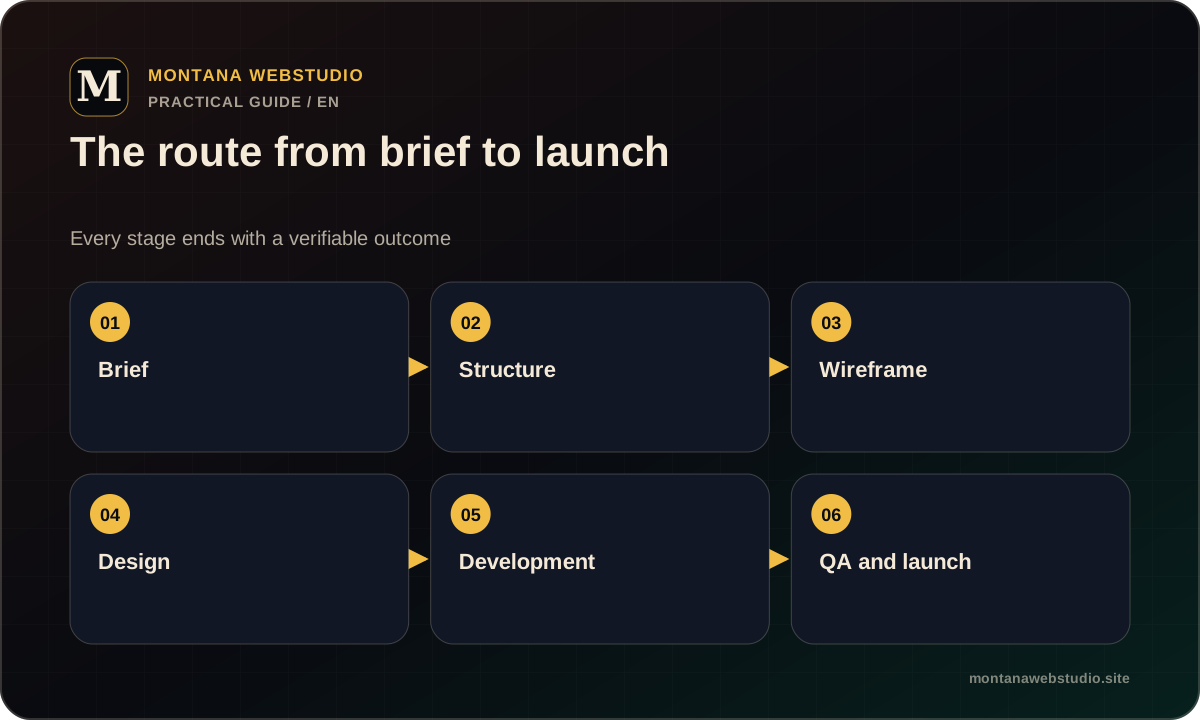
2. Structure and search intent
The next step is a page map and a user journey. A page earns its place when it answers a distinct need: explaining a service, presenting evidence, clarifying cost or enabling contact. Creating many near-identical pages simply to increase the URL count weakens the structure.
This stage also defines the H1, section topics, internal links and calls to action. The page becomes understandable before visual styling begins, which improves both usability and the technical foundation for search.
3. Content and interface design
Design is more reliable when it uses realistic copy, images and data. Placeholder content often hides problems: final headings wrap badly, cards become uneven and the strongest argument is pushed below less important material.
The design stage establishes typography, grids, colours, components, button states, forms and mobile behaviour. A multi-page project should test representative internal pages, long-form content, tables and validation errors rather than presenting only the home page.
- Copy and heading hierarchy.
- Core page templates.
- Desktop, tablet and mobile states.
- Navigation, forms and feedback messages.
- Reusable components for future growth.
4. Development and testing
Development turns the approved system into a working product. The CMS or backend, forms, analytics, integrations and technical SEO elements are connected. Components are tested with production-like content instead of the neatest possible demo data.
Before launch, check links, forms, keyboard navigation, responsive widths, performance, metadata and the 404 page. Conversion journeys need an end-to-end test, from arriving on a page to receiving a confirmed form submission.
5. Launch and handover
After deployment, verify HTTPS, canonicals, robots.txt, the XML sitemap, analytics and priority URLs. A new sitemap can be submitted in Google Search Console, but submission is not instant indexing and does not guarantee rankings.
The final handover should include access to the domain, hosting, CMS, analytics and integrations. The owner should know how content is updated and how technical support is handled. Publishing files is only one part of a complete launch.
Frequently asked questions
Can website design begin before the final copy is ready?
Yes, using an approved structure and realistic drafts. The final layouts should still be tested with the actual length and type of content.
What happens after a website launches?
Analytics and indexing are checked, launch issues are resolved and future improvements move into maintenance or planned development phases.