The short answer
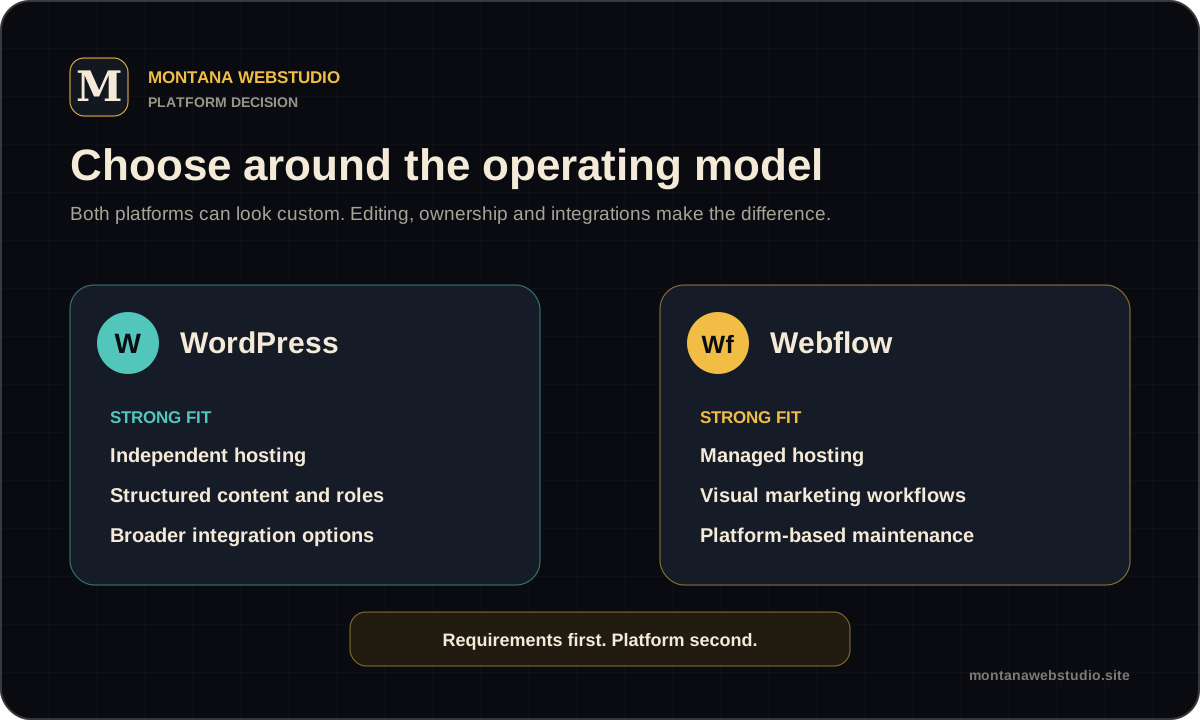
Webflow suits design-led marketing websites when the team accepts managed hosting and the boundaries of a hosted platform. WordPress is often selected for content-heavy projects, more varied data structures, local integrations and independent hosting.
Both can support bespoke design and a sound technical SEO setup. The meaningful differences are editing, extensibility, ongoing fees and the way the website will be supported several years after launch.
Design and day-to-day editing
Webflow combines a visual designer, CMS and hosting. A designer can control layout and motion without a separate handoff to a theme, while editors update content within configured collections.
WordPress can use the block editor, structured custom fields or a page builder. The editing quality depends on implementation. An uncontrolled interface with dozens of options is difficult; a focused set of reusable blocks can be straightforward for a non-technical team.
Ownership, hosting and growth
WordPress can move between hosting providers and be handed to another specialist. That freedom also makes the owner responsible for core and plugin updates, security, backups and compatibility.
Webflow manages the infrastructure, but the site remains tied to the service plans and feature set. Static code export can help in specific situations, but CMS collections, forms, search and other platform services do not become a complete independent backend.
SEO, localisation and integrations
Both platforms can handle titles, descriptions, canonicals, Open Graph, sitemaps, redirects and structured data. The result depends on architecture and implementation rather than the CMS logo.
Multilingual content, specialised forms, regional payments and complex data relationships need a requirement-by-requirement review. Sometimes Webflow covers them cleanly, sometimes WordPress has a more mature option, and sometimes neither platform is the right constraint.
| Question | WordPress | Webflow |
|---|---|---|
| Hosting | Choice of provider | Managed platform hosting |
| Visual development | Depends on the theme and editor | Integrated designer |
| Extensions | Large ecosystem and custom code | Platform features and integrations |
| Maintenance | Website and server updates | Infrastructure maintained by the service |
| Portability | Files and database can be moved | Export does not include every platform feature |
Which platform should you choose?
Choose Webflow when a managed visual workflow, marketing site and minimal server administration are priorities. Choose WordPress when you need flexible content structures, a wider integration market, independent hosting and a broad specialist ecosystem.
List likely requirements for the next two years and compare the build, subscription, licences, maintenance and future changes. The platforms and CMS page shows a broader way to evaluate the decision.
Frequently asked questions
Is Webflow better for SEO than WordPress?
Neither platform has an automatic advantage. Structure, content, metadata, performance, internal links and error-free implementation matter more.
Can a Webflow website move to another host?
Static code export is available in some plans, but CMS content, forms, search and other platform services require replacement.