robots.txt controls crawler access
The root-level robots.txt file tells crawlers which paths they may request. Its primary purpose is crawl management, not protecting information from people or guaranteeing that a URL disappears from search.
A disallowed page may still be known through external links. Because the crawler cannot fetch the HTML, it also cannot see a meta noindex placed inside that blocked page.
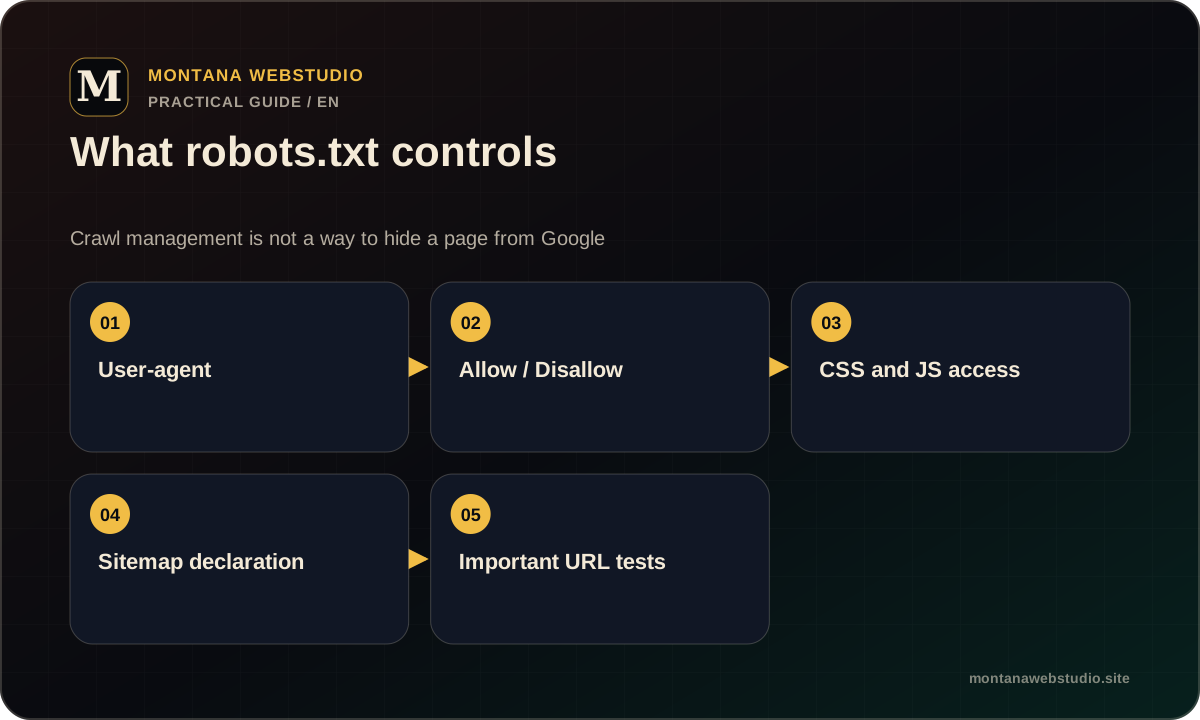
Start with the actual production file
Open /robots.txt on the exact protocol and host. Check the HTTP status, content type and redirects from HTTP or www. A repository copy does not prove that the server delivers the same file.
Rules apply per host. Subdomains can have their own robots.txt files. Comments may help maintainers, but they should not obscure the grouping logic.
- The HTTPS address returns 200.
- The file is available without login or challenge.
- Sitemap points to the current HTTPS URL.
- No accidental Disallow: /.
How User-agent groups and rules work
A group begins with one or more User-agent lines followed by Allow and Disallow rules. An empty Disallow blocks nothing, while a slash may block the entire host for that group.
Test long and short paths with real URLs. A rule for /admin/ should not accidentally cover a public resource with a similar prefix. Address parameters and casing also matter according to the actual URL.
| Line | Meaning |
|---|---|
| User-agent: * | Group for all crawlers |
| Disallow: /private/ | Do not request this path |
| Allow: /private/public.css | Exception for a specific resource |
| Sitemap: https://… | XML sitemap address |
Crawling, indexing and user access are different
robots.txt is not authentication. Protect private information with login or server controls. For a public page that should not appear in search, use a meta robots or X-Robots-Tag noindex while allowing the crawler to read it.
After a rule change, inspect the target page as well as the file. Its response, canonical and sitemap inclusion should agree with the intended policy.
CSS, JavaScript and images
Blocking a technical folder can also hide CSS, JavaScript or images needed to render a page. Google should be able to fetch resources used by the public template.
Test resource URLs separately. Public assets needed for rendering should be crawlable, while private backups, logs and administration endpoints still require proper server protection.
A short production check
After deployment, fetch robots.txt as a normal user and as Googlebot. Then test representative URLs: the homepage, an article, a service page, CSS and the sitemap.
Montana WebStudio allows crawling of public pages and declares its sitemap. ads.txt is validated separately and must remain accessible to AdSense crawlers.
- Check HTTP and HTTPS.
- Review groups and rules.
- Test representative URLs.
- Confirm CSS and JS access.
- Recheck the Sitemap line after deployment.
Frequently asked questions
Can robots.txt remove a page from Google?
Disallow prevents crawling, but the URL may still be known. To exclude a public HTML page, use noindex while allowing the crawler to read the directive.
Should wp-admin be blocked?
Administration paths generally do not need crawling, but security must still come from authentication rather than robots.txt alone.
Where must the file live?
At the root of the specific host, such as https://example.com/robots.txt. A file in a subdirectory does not control the full site.