How a form submission travels
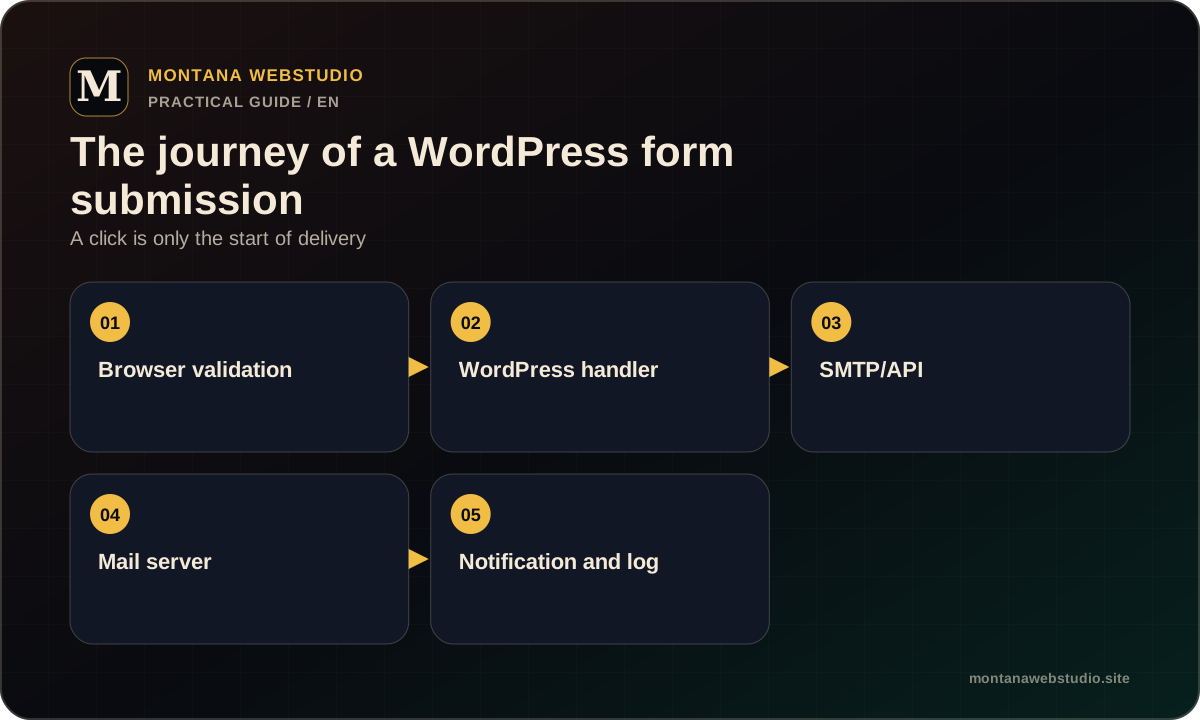
The browser collects and validates data, then sends a request. WordPress or the form plugin processes it and may save it, send email, trigger a webhook or create a CRM record.
Each failure point produces different evidence. If the button does nothing, inspect the frontend. If the page reports success but no email arrives, inspect server processing and delivery.
Frontend and validation
A JavaScript error, optimisation conflict, incorrect selector or captcha can prevent a request. Console and Network show whether a request was made and what the server returned.
Check required fields, phone and email rules, button state and useful feedback. On mobile, keyboards and sticky elements should not hide the result.
- Review console errors.
- Inspect the request and response in Network.
- Reproduce without browser extensions.
- Test mobile and a slower connection.
WordPress, PHP and server mail
A plugin may receive the request but fail a hook because of a PHP error, permissions or hosting limits. Logs expose causes that the browser reports only as a generic failure.
PHP mail does not guarantee delivery. An authenticated SMTP or transactional mail API owned by the business often provides better delivery and diagnostics.
| Symptom | Check |
|---|---|
| Request returns 500 | PHP/server logs and recent changes |
| Success but no email | SMTP log, spam, sender and recipient |
| Works intermittently | Rate limits, cache, captcha and timeout |
| Duplicate messages | Repeated submit, webhook retries and idempotency |
DNS and mail delivery
The sender should match a domain or service authorised to send. SPF and DKIM help recipients verify the source, while DMARC defines policy for mismatches.
Do not change MX or DNS records at random because working mail can be interrupted. Validate changes against the current provider and service documentation.
- Do not use the visitor email as the From identity.
- Use the visitor address as Reply-To where appropriate.
- Keep SMTP secrets out of frontend code.
- Test delivery to more than one mailbox provider.
How to avoid losing enquiries
Critical forms should save server-side or create a CRM record, using email as a notification. A temporary mail failure then does not destroy the lead.
Use explicit success and error responses, minimal logs without unnecessary personal data, and a control test after updates. For paid traffic, record the conversion only after genuine success.
Frequently asked questions
Is an SMTP plugin always required?
No, but an authenticated mail service often provides better diagnostics and delivery than unknown server mail.
Why does a test email work but the form fail?
The form may use a different sender, template, hook or validation. Its actual request and logs need inspection.
Can leads also be sent to Telegram?
Yes, as a fallback notification, while protecting the bot token and limiting personal data.